Image SEO for Social Media Managers: The 2026 SEO Playbook for Social Media Managers
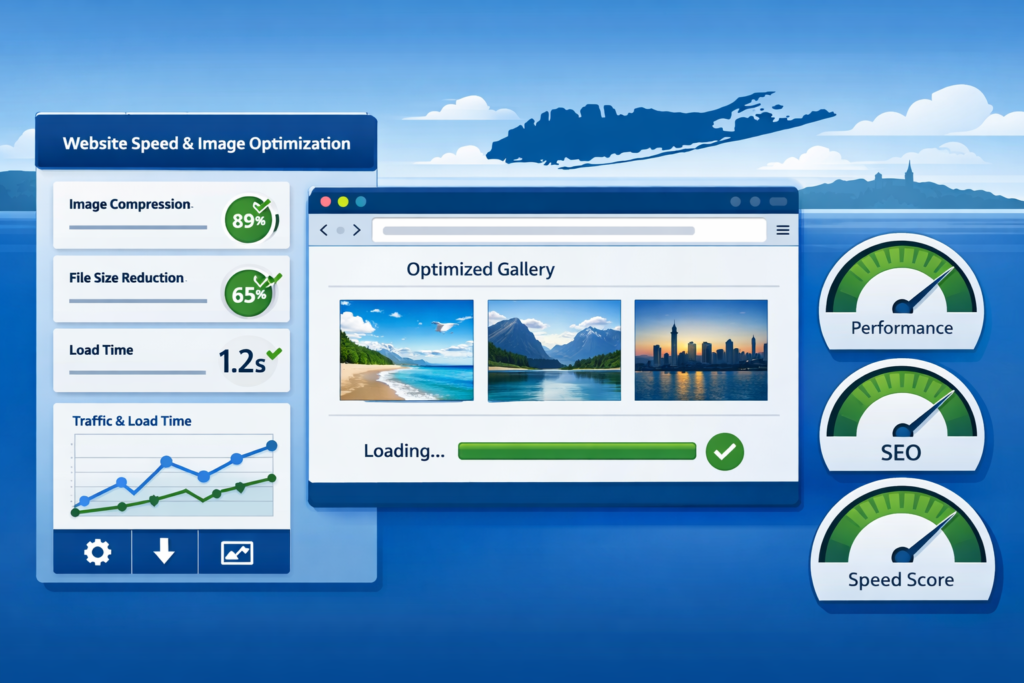
Social media managers obsess over hooks, captions, and post timing, and then upload a four-megabyte hero image to the brand site and wonder why the link in bio converts at 0.3%. In 2026, image performance is one of the highest-leverage levers in the entire social funnel, and most teams are losing clicks downstream every time a campaign lands on a slow page.
Why It Matters
Every paid post, every story tap, every link in bio click pushes a user from a fast native app to a website that has to render fast or get abandoned. Google’s Core Web Vitals are the performance metrics that decide both how your destination ranks and how it feels to the user who just tapped through from TikTok or Instagram. They are dominated by images. If the largest element on your page is an unoptimized hero, your Largest Contentful Paint (LCP) score suffers. If your images load without defined dimensions, your Cumulative Layout Shift (CLS) score tanks. Both signals feed Google’s ranking systems, and both signals correlate with bounce rates on mobile traffic, which is most of your social traffic.
For social media managers running multi-brand workflows, this is the part that gets missed in the strategy doc. A campaign briefing covers creative, copy, hashtags, and posting cadence. It rarely covers the 350KB JPEG on the landing page that just ate three seconds of load time on a 4G connection in a parking lot.
What’s New: How Image Optimization Actually Works in 2026
Three Core Web Vitals matter most: LCP (loading speed of the hero element), INP (Interaction to Next Paint, which measures responsiveness), and CLS (layout stability). Images touch all three. The fastest way to move every one of those numbers in the right direction is to ditch legacy formats and serve next-generation ones.
If you are still uploading JPEG and PNG files, you are using image formats designed in the 1990s. Modern browsers support WebP and AVIF, which deliver the same visual quality at a fraction of the file size. A typical JPEG product photo might weigh 350KB. The same image in WebP is around 120KB, and in AVIF under 90KB. Multiply that across every image on a link-in-bio page, every product shot on a landing page, and every blog post your social calendar drives traffic to, and the savings stack up fast.
The other half of image SEO is the metadata most social-driven sites never write: alt text and file names. Alt text tells screen readers what an image shows and tells Google what the image contains. Generic descriptions like “image1” or “photo” are wasted real estate. Specific, natural descriptions work. The example used in Google’s own image SEO guidance is the same approach: describe what is actually in the image, including location and context when relevant, without keyword stuffing.
The Numbers
- 40-60%, total page weight reduction by switching JPEG/PNG to WebP/AVIF
- 350KB → 90KB, typical JPEG vs AVIF savings on a single product shot
- 3, Core Web Vitals (LCP, INP, CLS) directly affected by image handling
- 200KB, the upper threshold most performance audits flag as “too heavy” for an above-the-fold image
- ~50% of mobile users abandon pages that take longer than three seconds to load, a threshold most unoptimized images blow past on their own
“completed kitchen renovation with white quartz countertops in a customer’s home”, an example of effective alt text: specific, descriptive, and naturally local without keyword stuffing.
Image weight is the silent killer of social ROI: every kilobyte you skip optimizing costs you a click downstream on the page your campaign just paid to load.
What Comes Next
Google’s visual search stack is expanding fast. Google Lens, multisearch, and AI Overviews are pulling image results directly into the answer surface, which means your images are now competing as standalone discovery assets, not just decoration on a page. For social managers, this is a structural shift: the same Pinterest pin, Instagram product shot, or TikTok thumbnail that lives on your destination site can surface in AI-generated answers when someone searches a related query, but only if the file name, alt text, and surrounding page content all give Google something to read.
Next-gen formats are also getting easier to ship. PageSpeed Insights now tells you the exact kilobyte savings you would gain from converting each image, and most modern CMSs (WordPress, Shopify, Webflow) either ship WebP/AVIF conversion out of the box or have a one-click plugin that does it for you. The barrier to entry has collapsed. The brands not doing it are choosing not to.
What This Means for You
If you are running social for a brand or an agency book, image optimization stops being an “IT” or “web team” problem and starts being a publishing-workflow problem you own. Every image that ships to the brand site, including the ones you upload yourself to a campaign landing page, a blog post, or a link-in-bio destination, needs to be compressed, properly named, given descriptive alt text, and ideally converted to a next-gen format before it goes live.
The easiest way to bake this into your workflow is to do it at the publishing layer. Feedsta centralizes scheduling and publishing across TikTok, Meta, Pinterest, X, LinkedIn, and YouTube, which means a single asset gets sized correctly per platform before it goes live, instead of you re-exporting the same hero shot eight times. The same logic applies to your link-in-bio and landing pages built inside the Feedsta app: lighter assets mean faster pages, which means more of your paid social traffic actually converts.
If you are stacking this with the rest of your search strategy, two related reads are worth bookmarking: our breakdown of the essential SEO tools every SMB social manager should be using in 2026 covers the audit side, and the 2026 SEO playbook for social media managers shows where image SEO fits inside the bigger AI-search picture.
The Bigger Picture
Social managers used to be able to hand off the website to the dev team and stay in their lane. That lane no longer exists. The page your TikTok ad lands on, the landing page behind your link in bio, and the blog post your Pinterest pin points to are all part of the social funnel now, and image performance is the easiest place to lose the customer between the tap and the conversion. Fix the images. Ship lighter pages. Watch the same campaigns convert better, not because the creative changed, but because the page finally loads before the user gives up.