WordPress Site Migration: A Social Media Manager’s Checklist
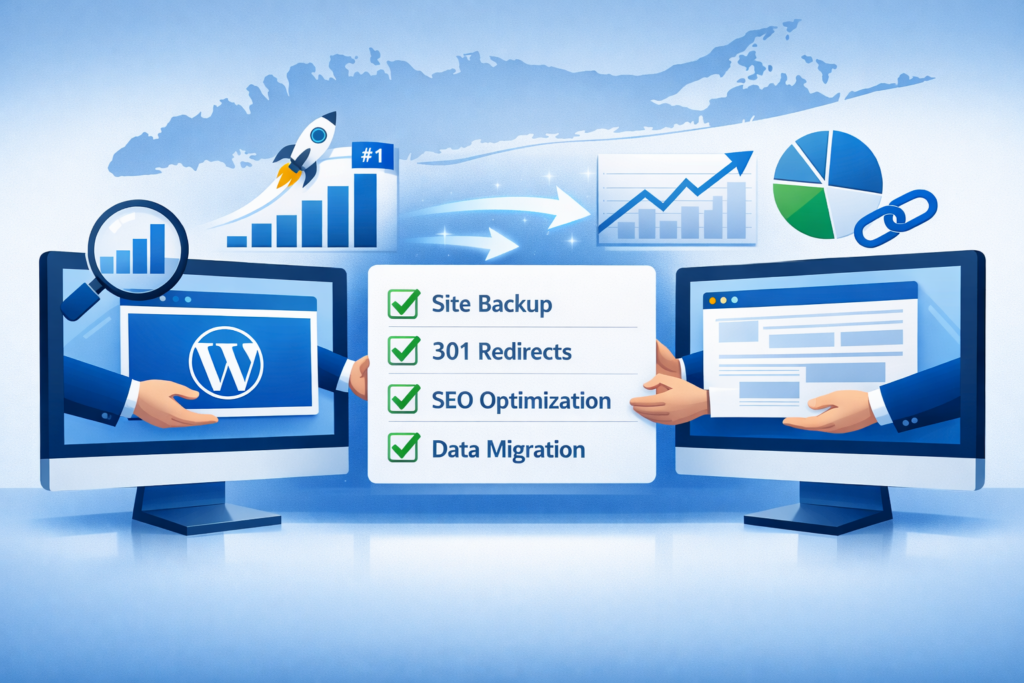
A WordPress site migration looks like a web project on paper, but the second the new site goes live, it becomes a social media problem. Every link-in-bio, every shortened URL in last quarter’s scheduled posts, every ad creative pointing at the old domain, every UTM-tagged share in your analytics history, all of it breaks at the same moment unless someone planned for it. The social team usually finds out last. That is the mistake that erases months of reach.
Why It Matters
Site migrations are routine for web teams and catastrophic for social teams that aren’t looped in early. A typical brand has thousands of outbound URLs scattered across scheduled queues, link-in-bio pages, story stickers, paid ad campaigns, email signatures, and partner co-marketing. None of those automatically rewrite when the underlying site moves. Google’s own site move documentation warns that a botched migration can suppress search visibility for weeks, but social channels feel the pain first, within hours of launch.
The stakes are blunt: a poorly executed migration can wipe out years of SEO progress overnight, causing your site to vanish from the search results that drive your leads and revenue. For a social media manager, the consequence is identical. Traffic dries up, conversion campaigns stop converting, and the team that gets blamed is rarely the one that did the migration.
What’s New / How It Works
A site migration touches five surfaces that live inside the social stack, and each fails in its own way if redirects, mappings, or bio updates are not coordinated:
- Scheduled posts. Any queued post, especially ones written weeks out, contains hardcoded URLs. If the redirect map misses a single page, the post lands as a broken link with the brand name on it.
- Link-in-bio. The Instagram, TikTok, and Pinterest bio destinations point at specific landing-page URLs that may not survive a redesign. Slug changes silently break every bio link.
- Short links. Branded short links redirect to long URLs. When the long URL changes, the short link inherits the 404 unless the destination is rewritten at the shortener.
- UTM tracking. Old UTM-tagged URLs may redirect, but if redirects strip query strings, every social attribution from launch onward disappears from analytics.
- Paid campaigns. Live Meta or LinkedIn ads pointing at a removed page burn budget on bounces. Most ad managers don’t auto-pause for a 404.
The fix on the social side mirrors the fix on the SEO side: build a redirect map before launch, then walk the surfaces above and update every reference. The central rule, every single page on your current site needs to point somewhere on the new site via a 301 redirect, is the same one social teams need to enforce on their own queues.
The Numbers
The headline operational numbers from a clean migration playbook:
- 90 days of daily Search Console monitoring after launch, watching for crawl errors and indexing drops.
- 12 months minimum to keep the old domain active with 301 redirects in place, backlinks keep pointing at old URLs for years.
- Top 50 pages by traffic + top 50 by backlink count get extra QA. For social teams, this maps to the URLs you’ve shared most across platforms.
- Single hop rule: every old URL should reach its new destination in one 301, no redirect chains. Chains kill page speed and dilute link equity.
- Zero tolerance for leftover staging-environment noindex tags or robots.txt blocks. Forgetting to remove these is the most common post-launch self-inflicted wound.
“Keep your old domain active and your redirects in place for at least 12 months, longer if possible. Backlinks from other websites will continue pointing to your old URLs for years, and those redirects are the only thing passing that link equity to your new site.”
A site migration is a social media event. If the link-in-bio breaks at midnight, the next two weeks of reach go with it.
What Comes Next
The migration isn’t over when the new site goes live, the first 90 days decide whether search-engine and social-channel performance hold. Google needs to recrawl and reassess the new site, which means some short-term fluctuation in impressions and clicks is expected. The teams that come through clean are the ones that captured baseline analytics before launch and can pinpoint exactly which pages lost ground.
For social media managers, the parallel playbook is: snapshot your Core Web Vitals and link-click analytics before the migration, audit every scheduled post in the queue, export your link-in-bio destinations and shortener mappings, and then re-baseline once the new site has settled. The 12-month redirect window means short links and scheduled-post URLs have a safety net for a year, but only if the redirect map is complete. If a URL slipped through, no shortener or scheduler can save it.
External properties are the last mile. Update all of them: Google Business Profile, Yelp, Facebook, Instagram, LinkedIn, Apple Maps, and any industry-specific directories where your old URL appears. That list is the social manager’s pre-launch checklist verbatim.
What This Means for You
If you manage social for a brand that is about to migrate, you have two jobs: get a seat at the planning meeting, then own the social-surface audit. Start with the link-in-bio. Whatever tool you use for bio links, the destinations are static URLs, make sure those routes are part of the redirect map. Inside Feedsta, your bio destinations live next to your scheduled queue, so the audit can happen in one place instead of jumping between five dashboards.
Next, audit your shortener. Branded short links, including the fsta.li short links you publish in posts, are only as good as their destination URLs. Pull a full export of every short link, cross-reference against the redirect map, and rewrite destinations to point at the new long URLs directly. Relying on 301 chains turns every share into a slow, leaky redirect.
Then walk your scheduling queue. Every post sitting in the queue with an old URL needs to be edited or held until redirects are confirmed. If you publish across multiple brands inside Feedsta, run the audit per brand, a redirect that works for one property may not exist for another. For the bio-and-profile sweep across platforms, our NAP consistency playbook covers which fields to update on each network, and the local SEO discovery guide explains why mismatched bios degrade discoverability in AI Overviews and Google’s local pack.
The Bigger Picture
A WordPress migration is one of the few moments where the web team’s calendar and the social team’s queue collide head-on. Treat it as a cross-functional launch, not a backend swap. The brands that come through with their reach intact are the ones whose social managers walked the redirect map, audited the link-in-bio, rewrote the shortener destinations, and updated every platform bio before the new site went live. The brands that don’t spend the next quarter chasing a traffic decline they didn’t see coming.