Google Posts: The Social Channel You’re Not Scheduling Yet
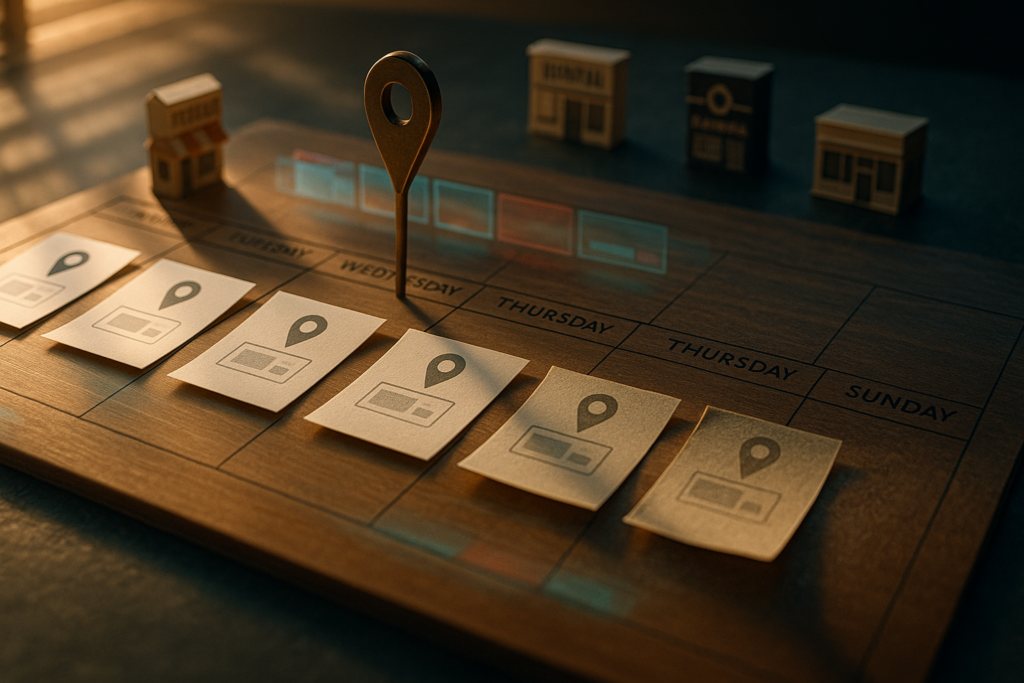
Google Business Profile Posts have a roughly seven-day visible shelf life, get demoted in the carousel after that, and most small businesses publish exactly one, six months ago. For social media managers, that gap is a free channel hiding inside the most valuable square inch of local search real estate, and it belongs in your scheduling stack alongside TikTok, Instagram, and LinkedIn.
Why It Matters
Local search is where buying intent crystallizes. Someone types “pizza near me,” “best dentist,” or “wedding photographer downtown,” and Google Business Profile answers with a Map Pack and a profile carousel. That carousel is the front door for an enormous slice of high-intent traffic, and it has a content slot most social media managers are leaving empty.
Google Posts, the mini-updates that appear directly on a Business Profile in Search and Maps, let you stack image, video, offer, and event content right inside that listing. They are free. They are text-searchable. They feed engagement signals back to Google. And listings publishing weekly Posts grade consistently higher than dormant ones with otherwise identical NAP, reviews, and categories.
For agencies and multi-brand operators, that’s the kind of edge you can engineer with a calendar, not a campaign budget.
What’s New / How It Works
A Google Post is a free mini-update tied to your Google Business Profile. According to Google’s official Business Profile help center, each Post supports up to 1,500 characters of body text, an image or short video, a call-to-action button (Book, Order, Call, Learn More, Sign Up), and one of three format choices: Update, Offer, or Event.
Post previews truncate at roughly 80-100 characters in the carousel, which means the first line is the headline whether you treat it that way or not. After about seven days, Posts get demoted in rotation, the part most operators miss. A six-month-old Post is technically still attached to the profile, but it is no longer doing the discovery work it did the week you published it. That is the difference between a setup task and a channel.
The Numbers
Here is the operator cheat sheet for profile health:
- ~7 days, visible shelf life of a Google Post before it gets demoted in the carousel.
- 80-100 characters, the truncation point for Post previews. Front-load the value, not the greeting.
- 1,500 characters, maximum Post body length.
- Under 30 seconds, the sweet spot for short Post videos that drive engagement.
- 3 formats, Update, Offer, Event. Listings mixing all three score higher than single-format profiles.
- 14 days, if your last Post is older than this, the profile reads as decaying.
Listings with weekly Posts consistently grade higher than dormant listings, even when the underlying NAP, reviews, and categories are identical.
That cadence map is exactly the discipline you already run on TikTok, Instagram, and LinkedIn. You are not learning a new skill, you are plugging another endpoint into an existing rhythm.
Google Posts aren’t a setup task. They’re a sixth social channel hiding inside the most valuable square inch of local search.
What Comes Next
Google’s own tooling is already pointing at automation. Inside the Business Profile dashboard, “Schedule This Post” batches publishing a month at a time, and “Set On Repeat” handles recurring content like weekly classes, happy hours, or seasonal hours. For multi-location brands, “Copy The Update” pushes the same Post to every profile in one click, a 30-minute task collapsed to 30 seconds.
That maps cleanly onto the muscle agencies have already built for paid social and organic feeds. The shift is treating GBP Posts as a first-class channel in your editorial calendar, the same row as Instagram, TikTok, and LinkedIn, rather than a one-time setup that lives in a forgotten tab.
It also dovetails with how AI search is starting to summarize local results. We covered this in our piece on Google’s AI search box turning posting cadence into a ranking signal. When AI overviews pull from active, fresh business signals, a dormant Posts tab is one more dead pixel in your profile.
What This Means for You
If you manage social for a local-anchored business, restaurant, salon, gym, dental practice, real estate office, home services, Google Posts belong in the same content calendar as your Reels and TikToks. Repurposing is the obvious win. The 20-second clip you cut for TikTok is already the right length and aesthetic for a Google Post video. Searchers want a vibe check, not a documentary. The Offer card you ran on Instagram Stories is the same Offer Post you should be running on GBP.
A few moves to fold in this week:
- Treat Google Posts as a channel inside your scheduling stack, not a one-off chore.
- Build a repeating row in your content calendar for GBP, one Update, one Offer, one Event per month at minimum.
- Audit every profile you manage with three questions: when was the last Post, does every Post have a CTA, are you mixing formats.
- For multi-location and multi-brand clients, treat “Copy The Update” the way you treat batch publishing on Feedsta, write once, push everywhere, schedule the cadence.
For context on why this cadence question has gotten bigger across the board, our piece on AI-ready social and the systems running today’s discovery covers the broader trend: AI is now the layer reading your social and business signals, and “active” beats “polished” on dormant profiles every time.
The Bigger Picture
Social media managers already know how to run a weekly cadence across five platforms. Google Business Profile Posts are the sixth platform most calendars are missing, sitting on the highest-intent square inch of local search and quietly demoting profiles that go quiet. Add the row, schedule the content, and let the same discipline that runs your Instagram grid run your local visibility too.